

What is the TestSprite Web Portal?
The TestSprite Web Portal is a browser dashboard that takes a project from “I have an app” to “I have a passing test suite running on a schedule”, without writing a single line of test code. It complements the TestSprite CLI and the MCP Server, which bring TestSprite into your terminal, IDE, and coding agent, by giving your whole team a shared place to set up projects, run tests, and review results.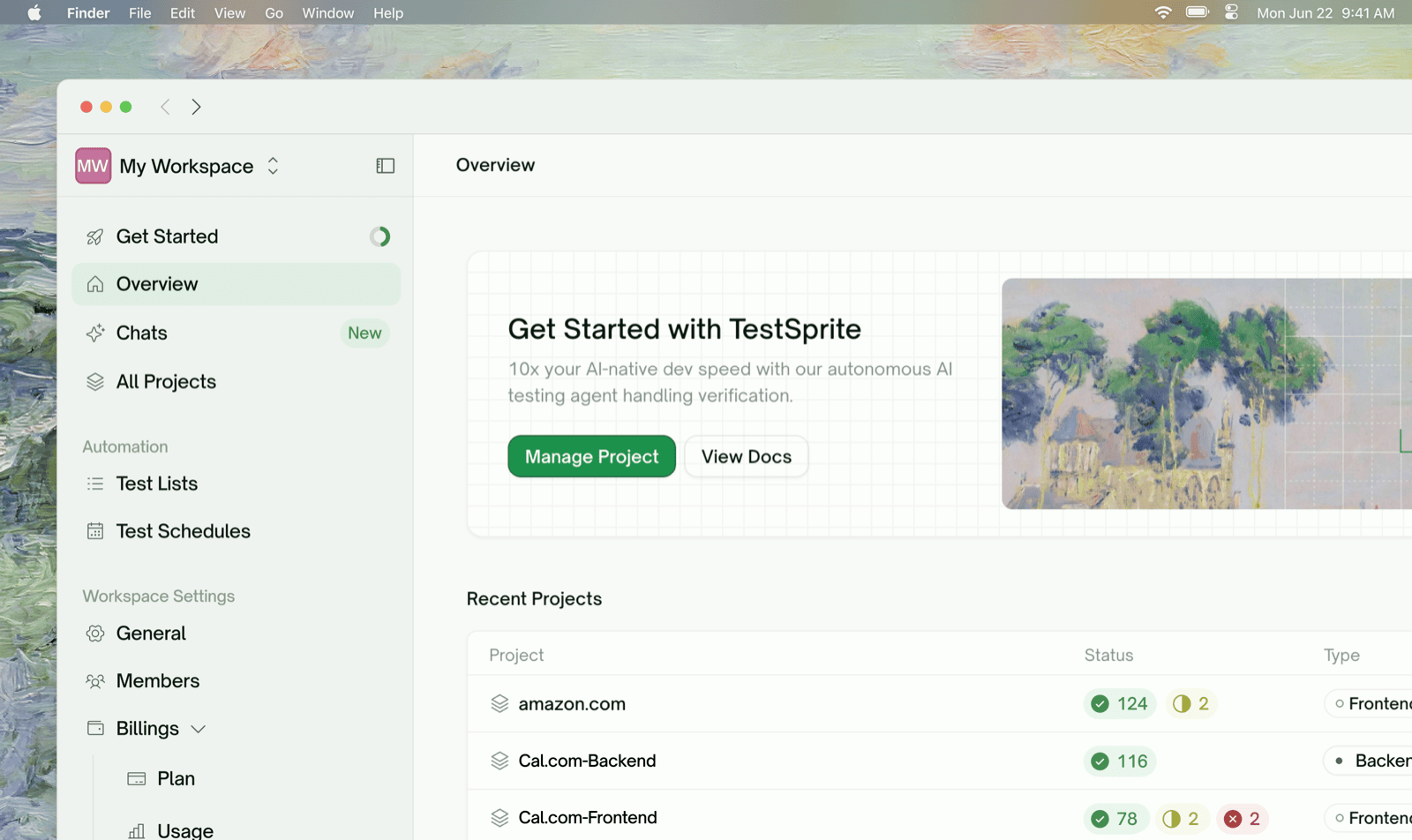
What It Tests

How It Works
You provide a URL, credentials, and a PRD (strongly recommended). TestSprite builds a feature map from the PRD, explores or discovers your app, drafts a plan you can review, generates the tests, runs them in the cloud, and gives you a report. You can also refine the tests in natural language.1
Create a project
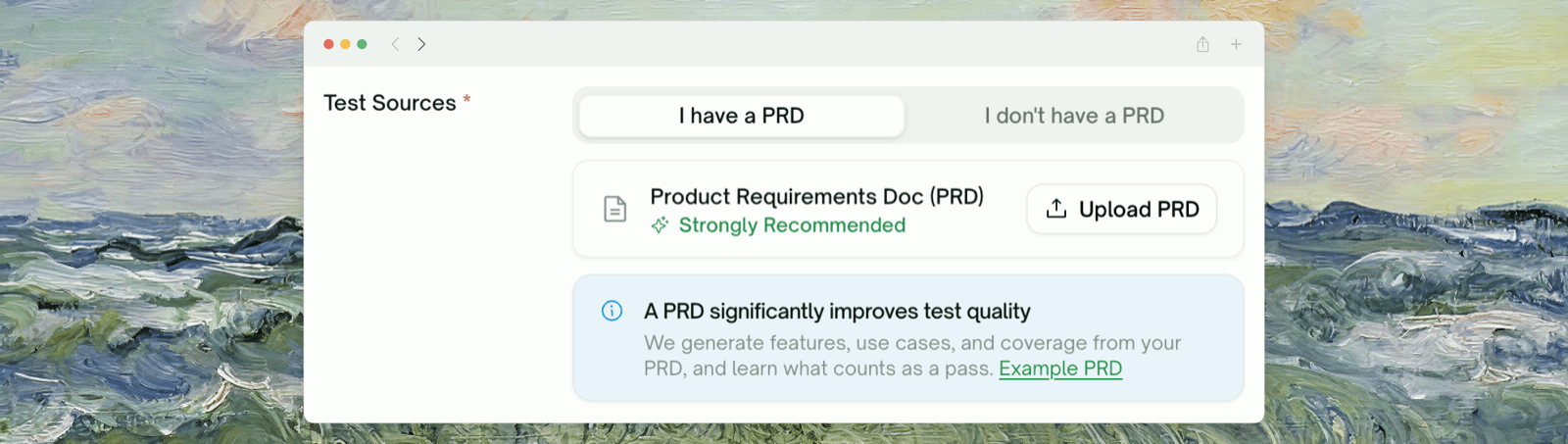
Click New Project and enter your basic project information: your live URL, how to sign in, your PRD (strongly recommended), and more.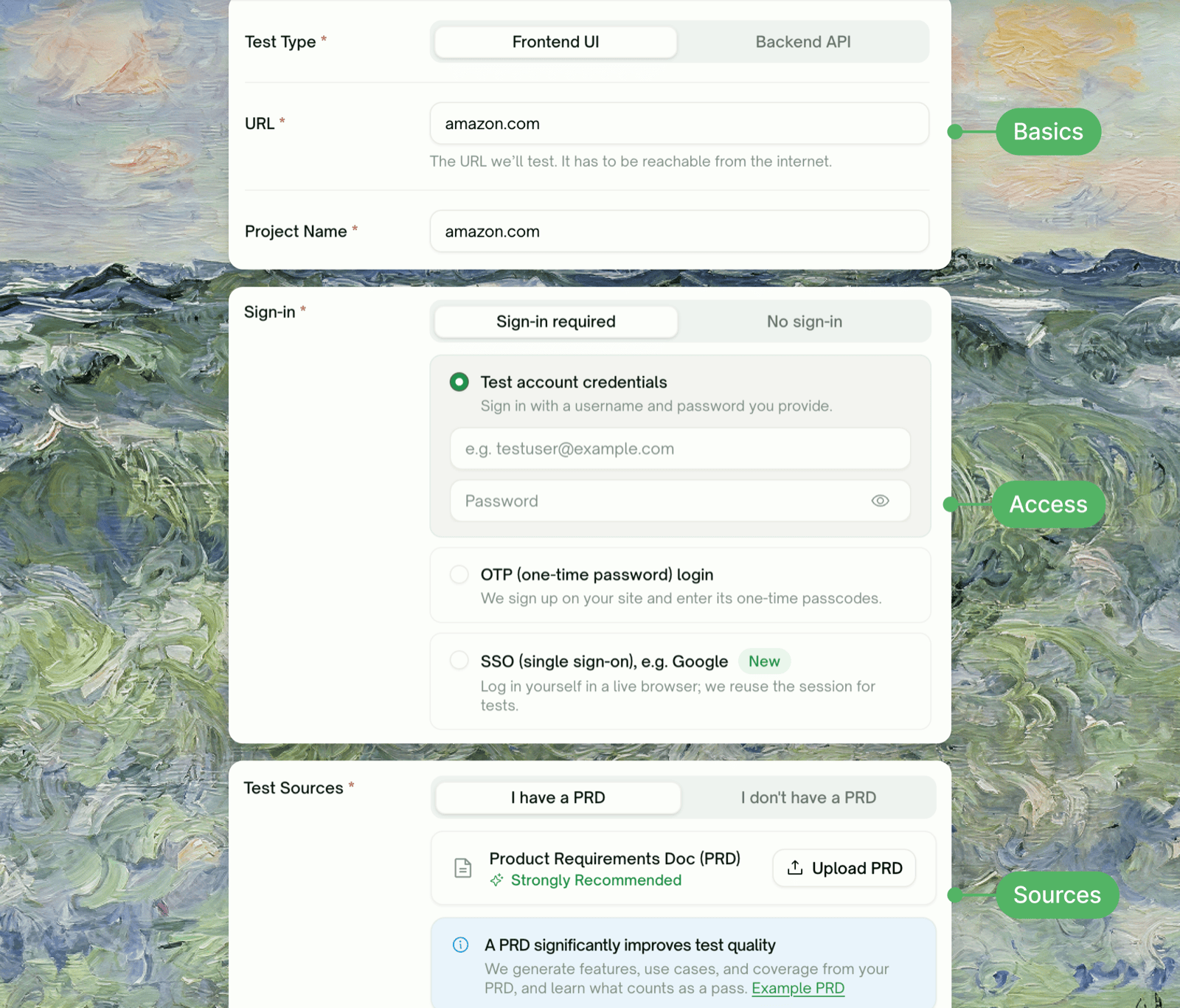
2
Explore or discover
For UI projects, TestSprite explores your live app. For API projects, it reads your API docs and probes the endpoints against your live API.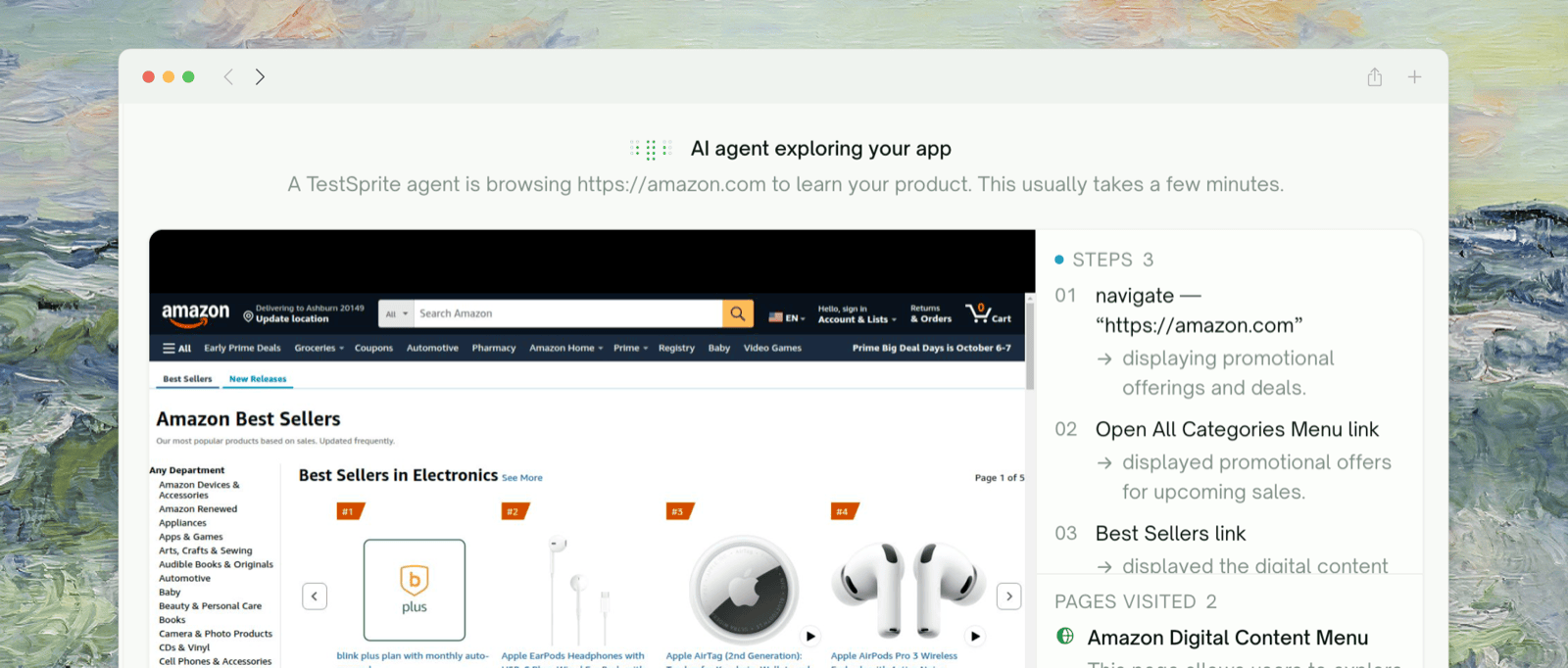
3
Build the feature map
TestSprite maps your product’s features and the use cases under each, from your PRD and what it found.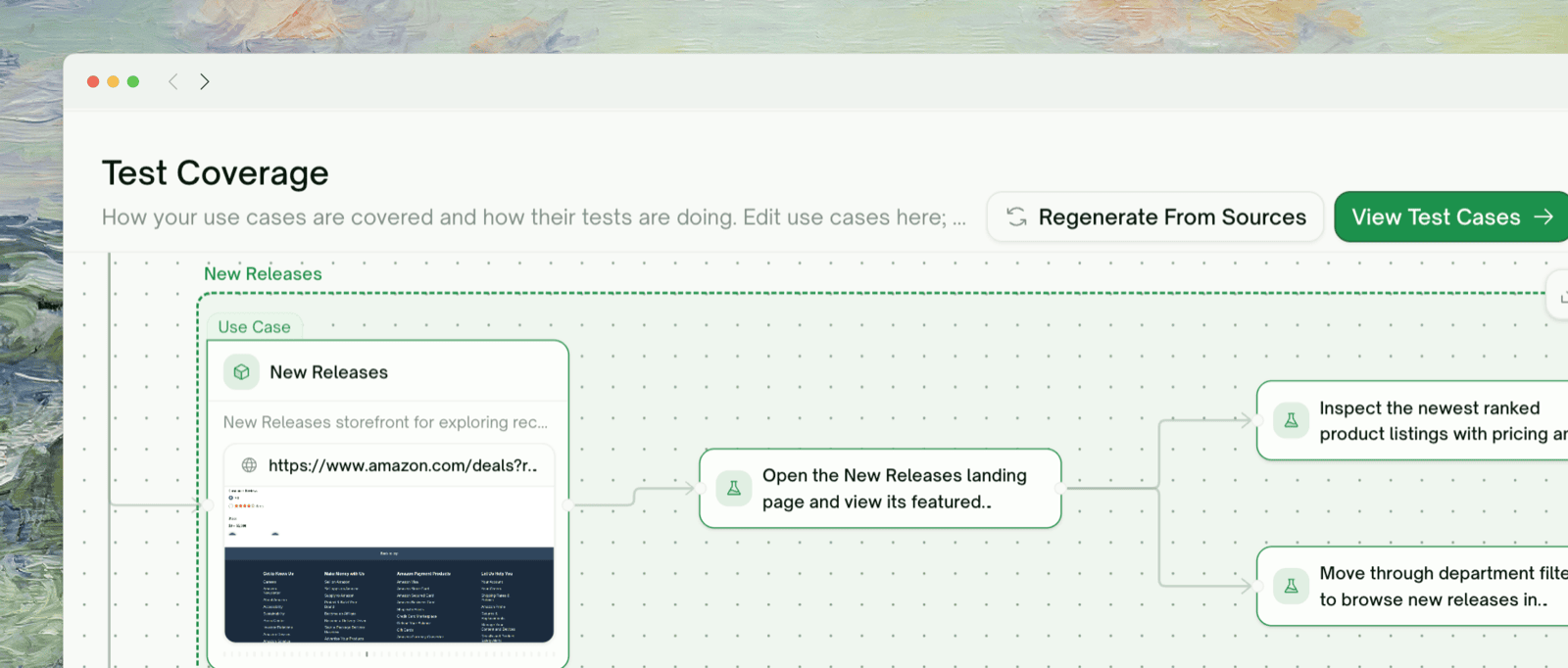
4
Review the plan
Click Plan Tests and TestSprite’s testing agent plans the test cases. Keep or edit the ones you want, then click Run all.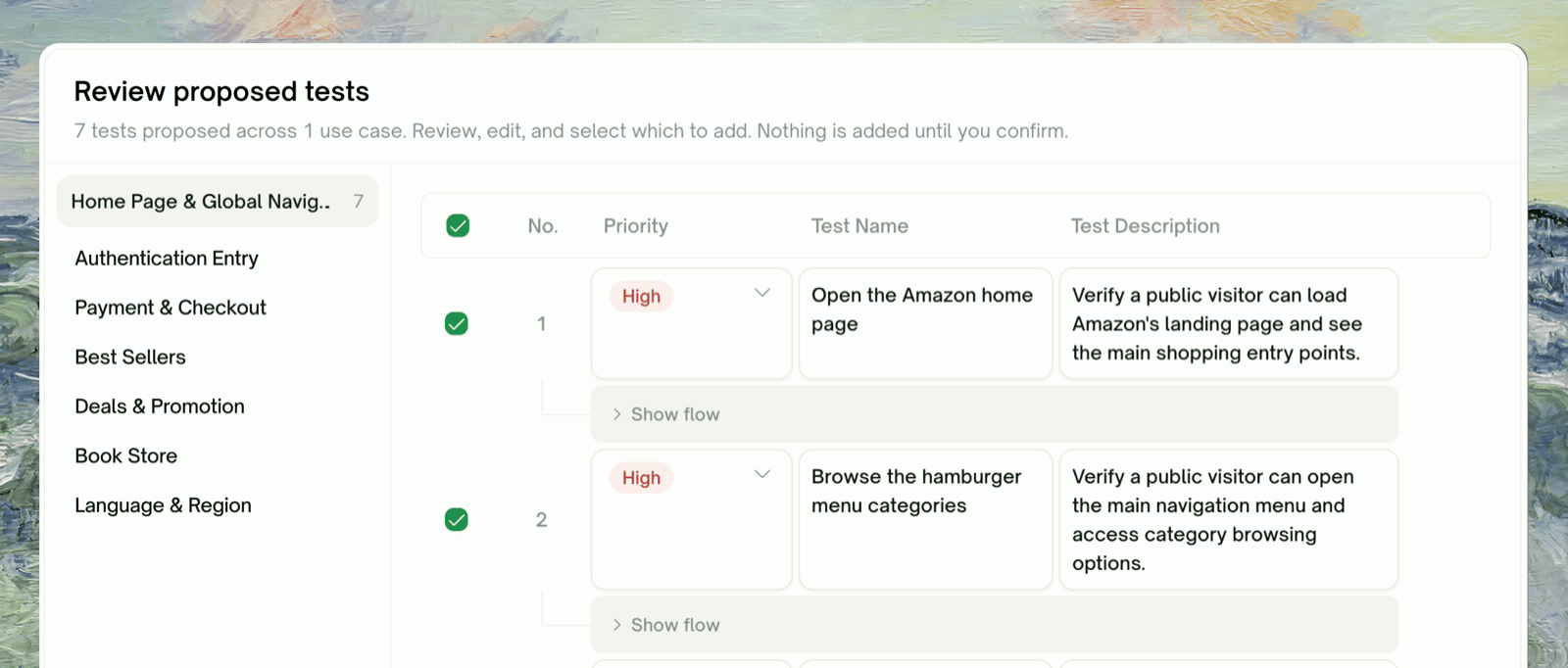
5
Run and review
Tests are generated and run in the cloud. Each ends Passed, Failed, or Blocked, and failures come with a suggested cause and fix.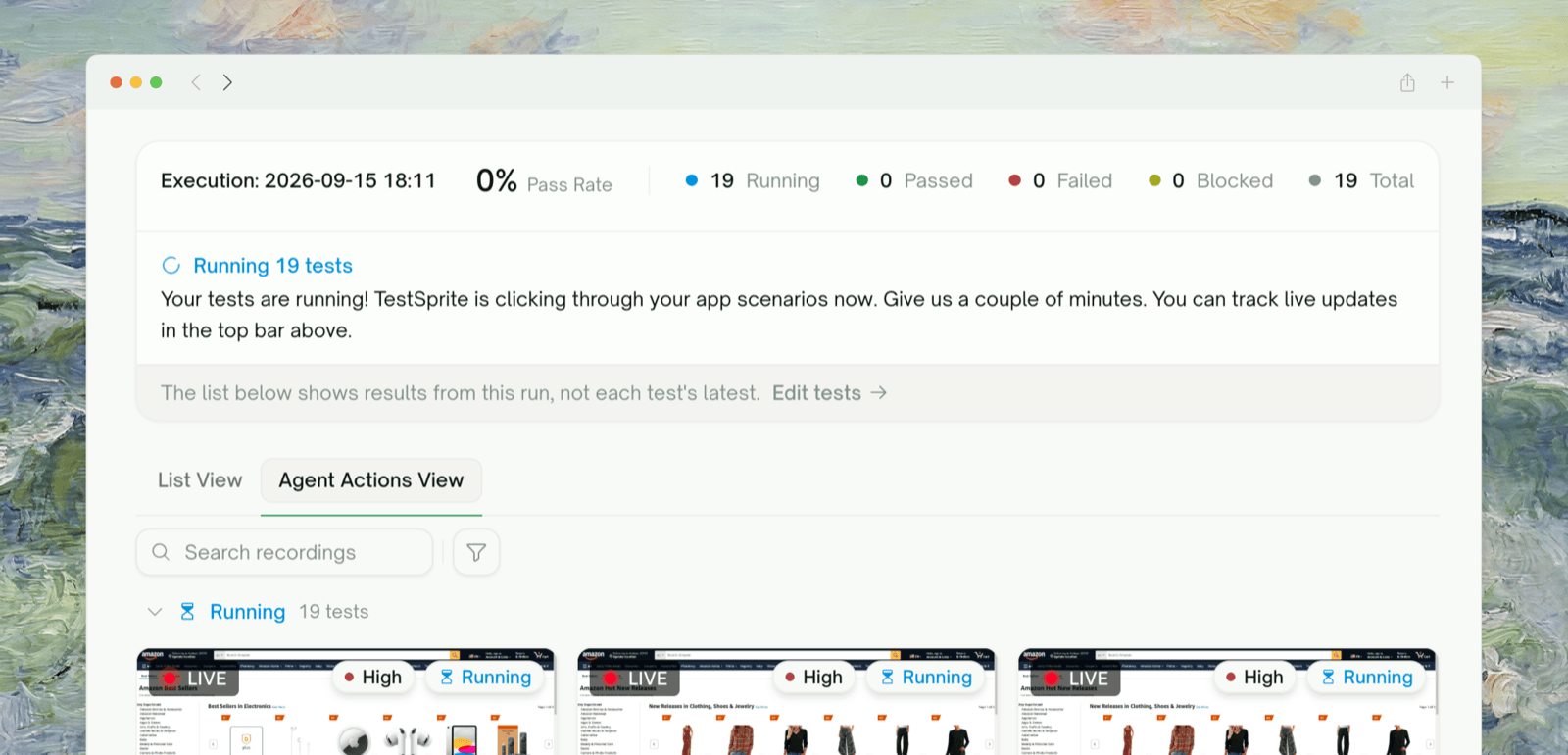
6
Keep it running
Run your tests automatically to catch regressions: on every pull request or push with the GitHub integration, or on a cadence with Test Schedules.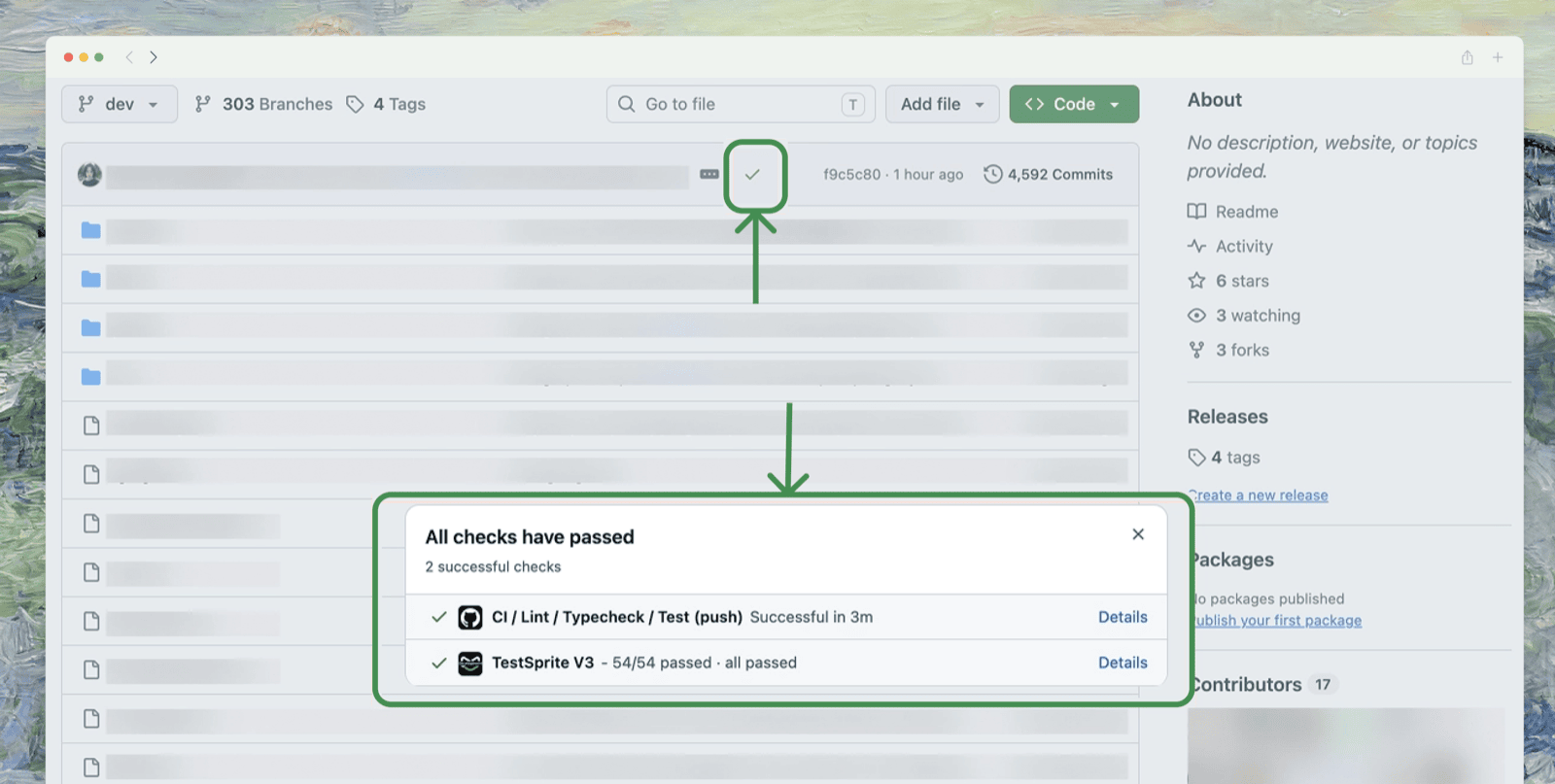
UI Quickstart
Your first frontend project, end to end (~10 min)
API Quickstart
Your first backend project, end to end (~10 min)
Who It’s For
- Developers: skip the test-writing boilerplate and see your changes exercised against real flows in minutes.
- QA teams: replace handwritten regression suites with a plan TestSprite derives from your live app, kept running with Test Lists and Test Schedules.
- Engineering leads: get reproducible reports and severity-ranked failures without building a test-writing team.
Advanced Testing Capabilities
Beyond the core flow above:- UI Testing (Frontend)
- API Testing (Backend)
- Flexible sign-in: test account credentials, OTP (one-time password) login, or SSO (single sign-on) such as Google
- Auto-Heal: tests recover when the page changes instead of failing
- Step-by-Step Replay: per-step screenshots and a video of every run
- Agent Actions: every recording from a run, grouped by status
- Reusable test code: generated Playwright + Python, exportable to GitHub
What’s Inside the Dashboard
Where to Go Next
Key Terms
The core vocabulary
Testing Lifecycle
How UI and API projects differ, phase by phase
AI Chat
Drive the portal in plain language
Join the Community
Discord for users and the team