Key Features
| Feature | Description |
|---|---|
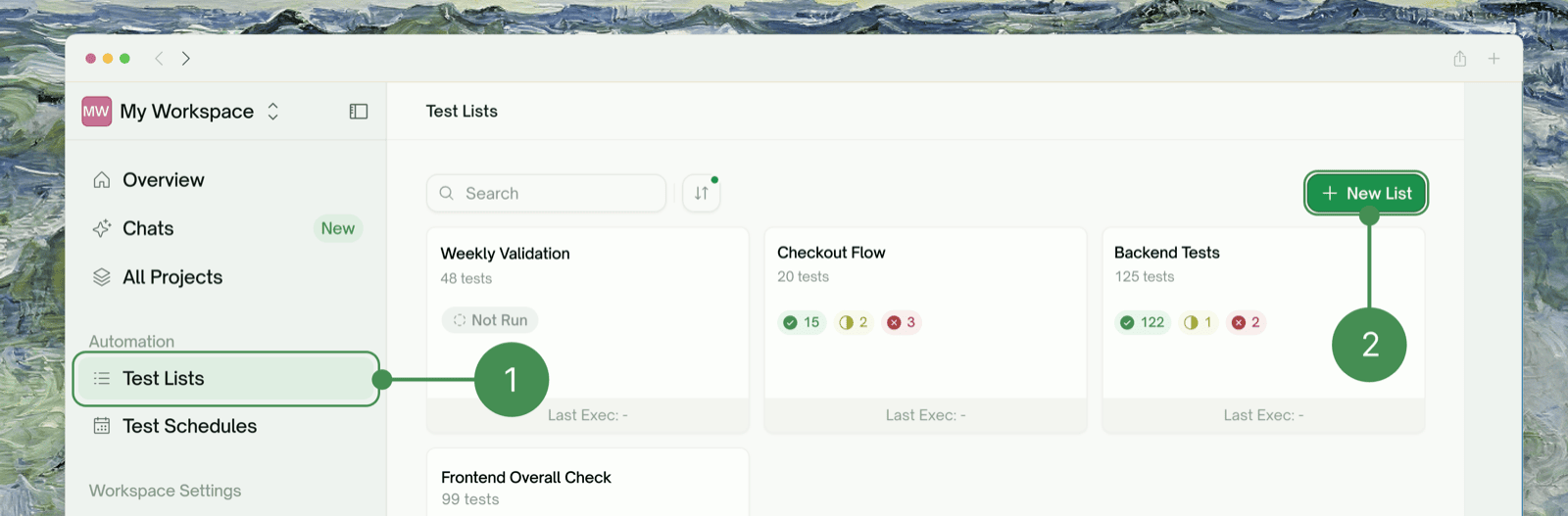
| Centralized Test Management | View all test lists in one dashboard, track execution status across collections, search and filter by name or status, and sort by date, count, or type |
| Test Organization | Organize Frontend Tests with browser automation, Backend Tests for API functionality, and Mixed Collections combining both test types |
| Execution Tracking | Track your previous execution status to view the test’s last run with status indicators showing Passed (all tests completed successfully), Attention (some tests need review), or Failed (tests encountered errors). |
Creating Test Lists
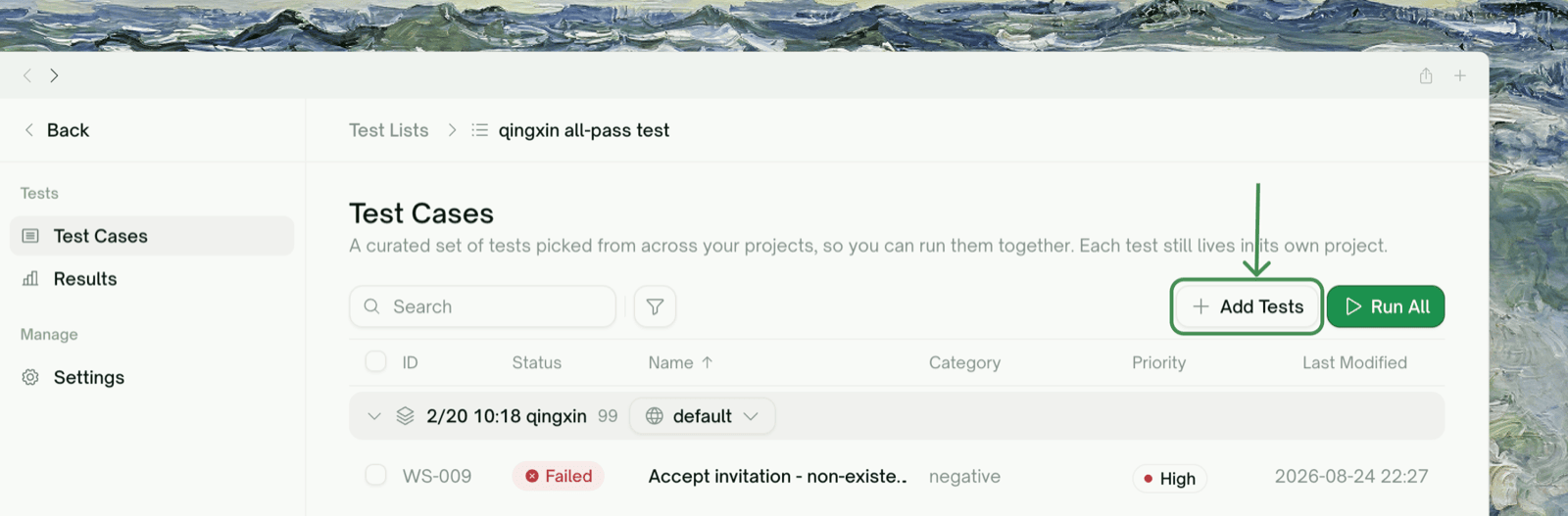
Add Test Cases
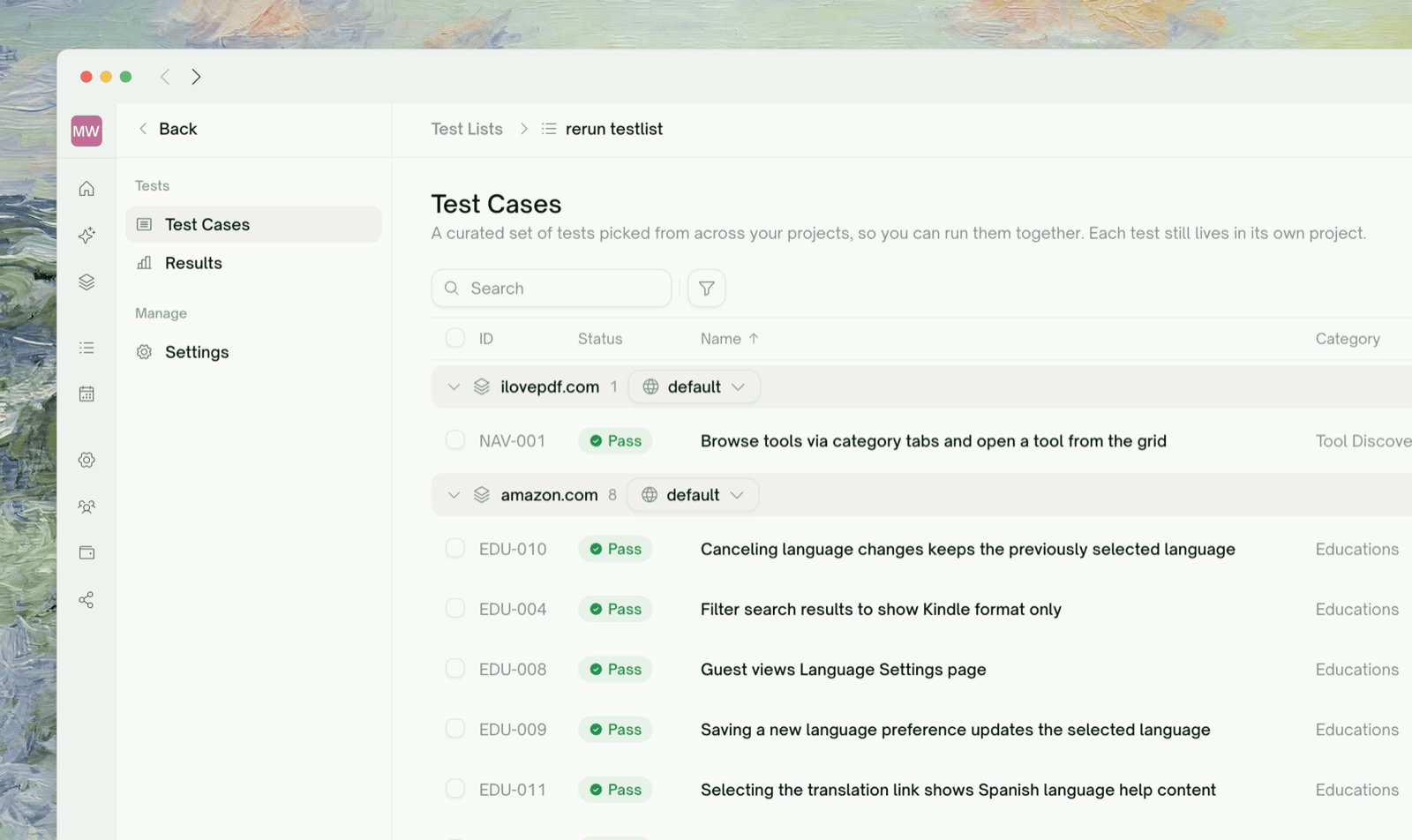
Add test cases from existing creations in All Test, or create new tests by configuring web application information and letting TestSprite’s AI generate comprehensive test cases

Managing Test Lists
- Search & Filter
- Sorting Options

| Option | Description |
|---|---|
| Search | Search by test list name to quickly find specific collections |
| All Status | View all test lists regardless of status |
| Passed | Show only successfully executed test lists |
| Attention | Filter test lists needing review |
| Failed | Display test lists with execution errors |
Test List Details
Each test list displays:| Field | Description |
|---|---|
| Test List Name | Descriptive identifier for your test collection |
| Previous Execution | Last run date and time |
| Total Test Cases | Combined count of all tests in the list |
| Total Frontend Test | Number of UI/browser tests |
| Total Backend Test | Number of API/server tests |
Execution Actions
| Action | Description |
|---|---|
| Run Tests | Execute all tests in the list |
| View Results | Review detailed test reports |
| Delete List | Remove test list (with confirmation) |